AI Clash Detection

Clash Detection, unleashed.

Automated, cloud-based AI Clash Detection for BIM coordination. It finds every clash in your IFC models, tells you which ones matter, proposes the fix and assigns the issue, across every discipline.

Benefits Of AI Clash Detection

Less sorting. More solving.

A federated model throws up thousands of clashes. AI Clash Detection turns them into a short list of decisions, each with a reason and a proposed fix.

Find The Few That Matter

AI Clash Detection classes every clash Major, Minor or Expected and scores it 0–100, so the critical clashes rise to the top instead of hiding in a list of thousands.

Coordination On Autopilot

Headless Clash Detection runs in the cloud on every model drop. Results, groups and issues are ready before anyone opens the model.

Fixes Before Questions

AI Auto-Resolution proposes the move that clears each clash and checks it against the whole building, so new clashes are never traded for old ones.

Every Discipline At Once

Architecture, Structure and MEP checked together and within each file. One federated model, one source of truth for multi-disciplinary coordination.

Less Rework On Site

A clash resolved in the model costs minutes; on site it costs weeks. Earlier, faster clash avoidance means fewer RFIs, change orders and delays.

Decisions You Can Defend

Every verdict comes with its reason: element types, disciplines, penetration depth, openings and host relations. Explainable AI, not a black box.

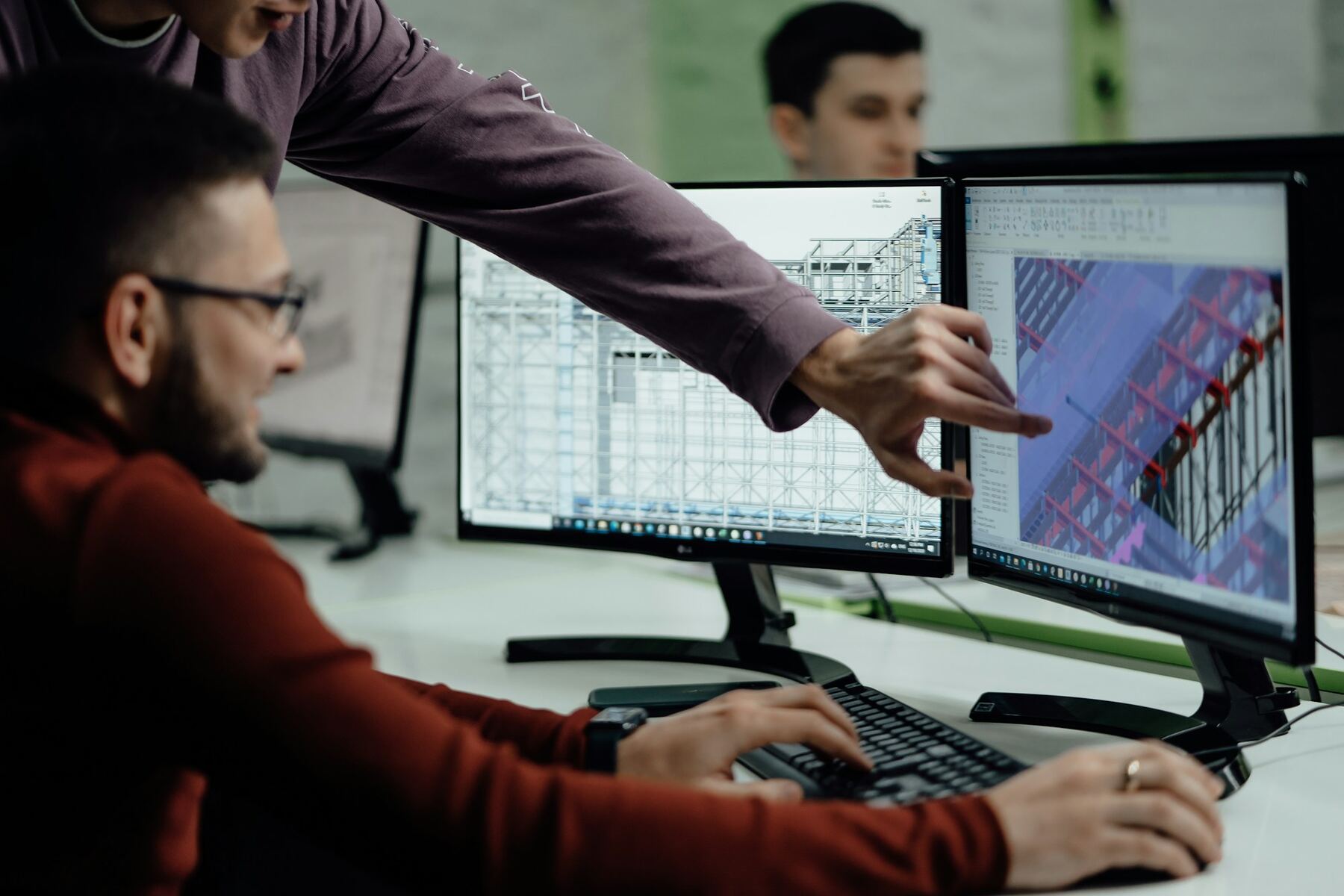
Two engineers reviewing a 3D building model on screens
How AI Clash Detection Serves You

One check. Every role gets what it needs.

BIM Managers And CoordinatorsRun Clash Detection on every revision, work Clash Groups instead of rows, and let Rules raise and assign the issues.
MEP EngineersSee only your clashes, the AI-proposed route around the beam, and what that move would hit before you redraw it.
Structural EngineersKnow which penetrations are planned openings and which need a sleeve, a new opening or a reroute.
ArchitectsSeparate clashes that are by design from the ones that change the design, and review them in 3D, on the plan or in VR.
ContractorsWalk the building before it is built, follow every issue to closure and cut rework, RFIs and site delays.
Owners And DevelopersTrack coordination health across projects and step into the design in Virtual Reality, with no software to install.
Traditional Vs AI Clash Detection

What changes when the clash check thinks.

Traditional Clash DetectionSpaceDesignX AI Clash Detection
Running the checkOn a desktop, by someone who opens the modelHeadless, in the cloud, on every model drop
What you getA flat list of thousands of clash pairsClash Groups by root cause, each pair classed and scored
False positivesPlanned openings and sleeves reported as clashesExpected clashes recognised from the model's own relations
Fixing a clashTrial and error in the authoring toolAI Auto-Resolution, checked against the whole building
IssuesCreated and assigned by handRule-based creation and AI Auto-Assignment, exported as BCF
ReviewingOne 3D view, specialist software3D, 2D Floor Plans, Walk Mode and VR, in the browser
See All Nine Key Features
Questions

AI Clash Detection, explained.

What is AI Clash Detection?

AI Clash Detection finds every place where elements of a building model collide, then goes further than traditional clash detection: it judges which clashes matter, groups them by root cause, proposes fixes and routes the resulting issues to the right people.

How is it different from traditional clash detection?

Traditional tools report every geometric overlap as a clash and leave the sorting to people. AI Clash Detection classifies each clash as Major, Minor or Expected with a 0–100 severity and its reason, collects related clashes into Clash Groups, and proposes a checked resolution.

What is Headless Clash Detection?

Clash Detection that runs on the server instead of on someone's desktop. Upload IFC files and the check runs in the background in the cloud; the results are ready in the browser without anyone opening the model.

Does it work with Revit, ArchiCAD and Tekla models?

Yes. SpaceDesignX reads IFC, the openBIM standard all major authoring tools export, and returns issues as BCF so they open in the designers' own tools.

Can AI resolve clashes automatically?

AI Auto-Resolution proposes the move that clears a clash while creating the fewest new ones, checked against every element in the building. You play the Pre-Fix and Post-Fix views, adjust if needed and save the fix with its issue.

What is a Clash Group?

A set of Clash Pairs that share one cause, such as ductwork through one slab. Deciding once for the group resolves all of its pairs, which turns hundreds of rows into a short list of decisions.

Unleash AI Clash Detection on your model.

Send us an IFC set you know well. We will run AI Clash Detection on it live and walk you through what it finds, what matters and the fixes it proposes.